
CodeLibrary
A downloadable tool for Windows
</>CodeLibrary
About
I originally built CodeLibrary for myself. As a student working on game development projects, I was tired of constantly digging through old folders just to find the same math formulas (like smooth dampening / lerp), shader functions, or boilerplate syntax.
I wanted something fast, clean, and completely offline without accounts or cloud bloat, so I wrote this lightweight manager and decided to share it here.
Features
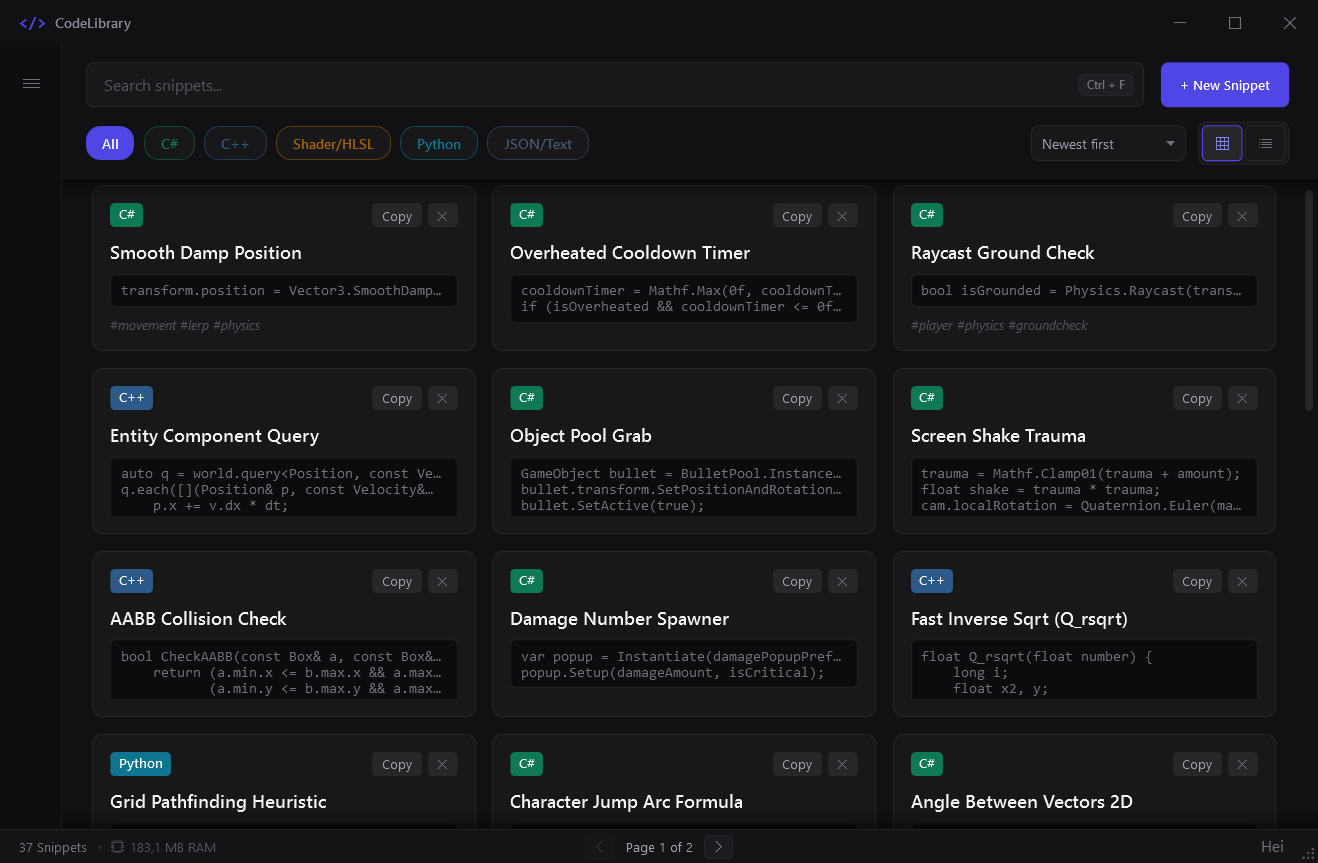
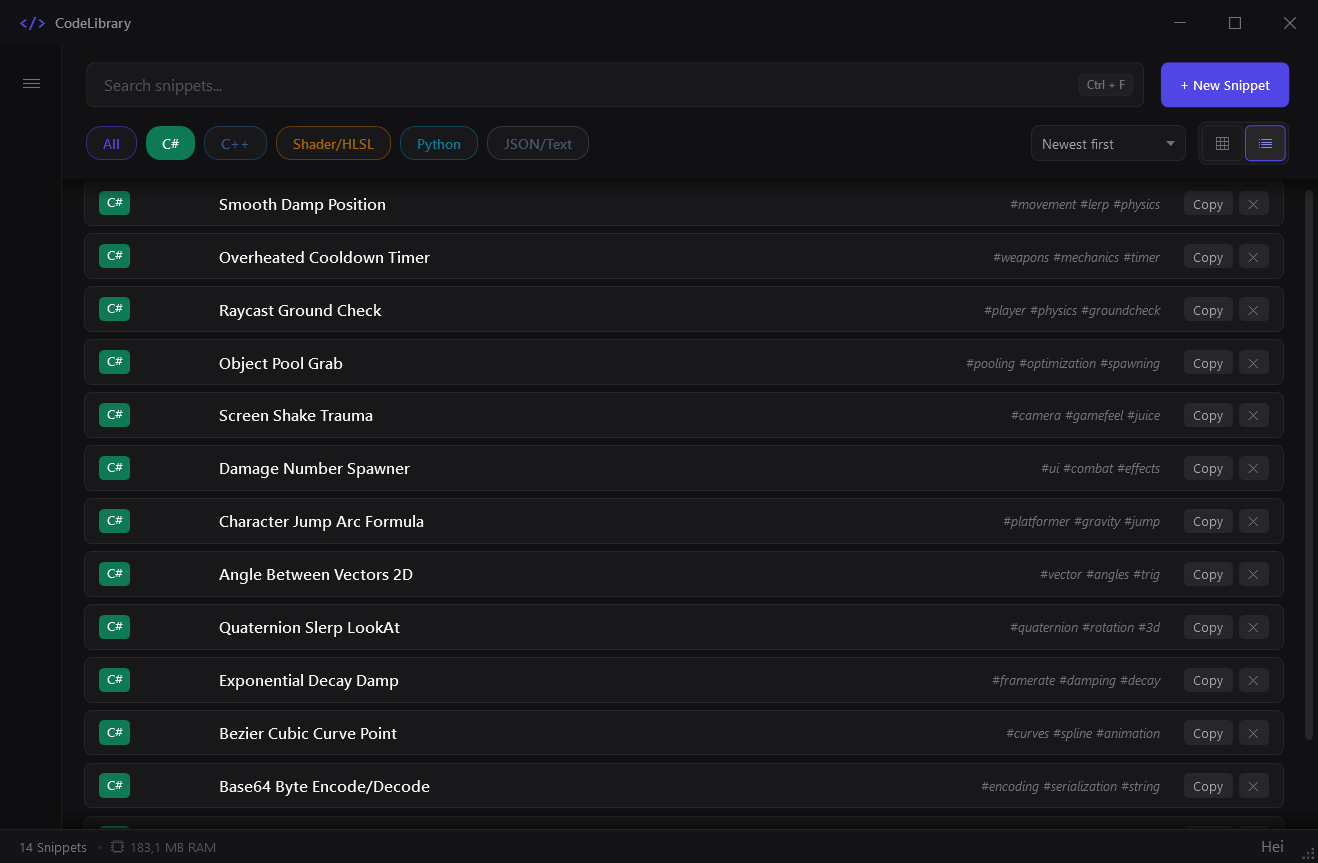
- Fast search across titles, tags, and raw code
- Syntax highlighting for C#, C++, Shader/HLSL, Python, and JSON
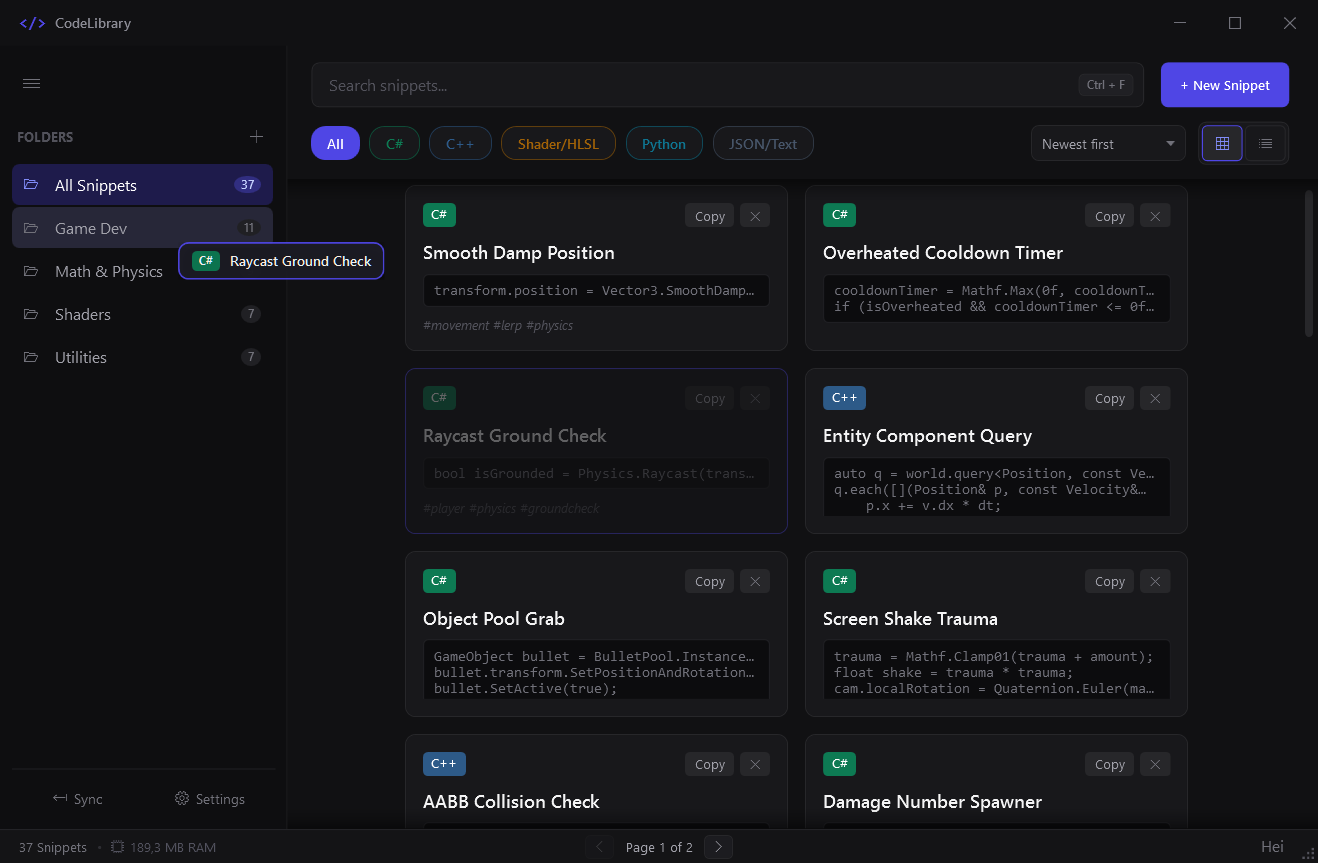
- Folder organization with drag-and-drop support
- Optional global hotkey (
Alt + Space) and system tray mode - 100% offline and portable (stores everything in local JSON files)
- Backup sync via JSON export and import
Shortcuts
Ctrl + N— New snippetCtrl + F— Focus searchCtrl + B— Toggle sidebarCtrl + Shift + F— Create folderCtrl + ,— PreferencesCtrl + S(editor) — Save snippet
Downloads
Installer (CodeLibrary_v1.0.0_Setup.exe): Recommended for most users. Standard setup that creates Start Menu shortcuts and registers the app for clean uninstallation via Windows Settings.
Portable (CodeLibrary_v1.0.0_Portable.zip ): Self-contained archive. Just extract and run without any installation or runtime dependencies.
This is an early release. Feel free to leave feedback, report bugs, or suggest features in the comments!
Download
Click download now to get access to the following files:
Leave a comment
Log in with itch.io to leave a comment.